Dressora — AI Clothes Changer
Try On Any Outfit Online
Find a look you'll fall in love with — and meet the most beautiful version of you.
680+
outfits
19
style categories
170
looks
Featured AI closet
Pick a look and see how it works
Try it on with your photo
Upload the person photo
Clear portrait or full-body.
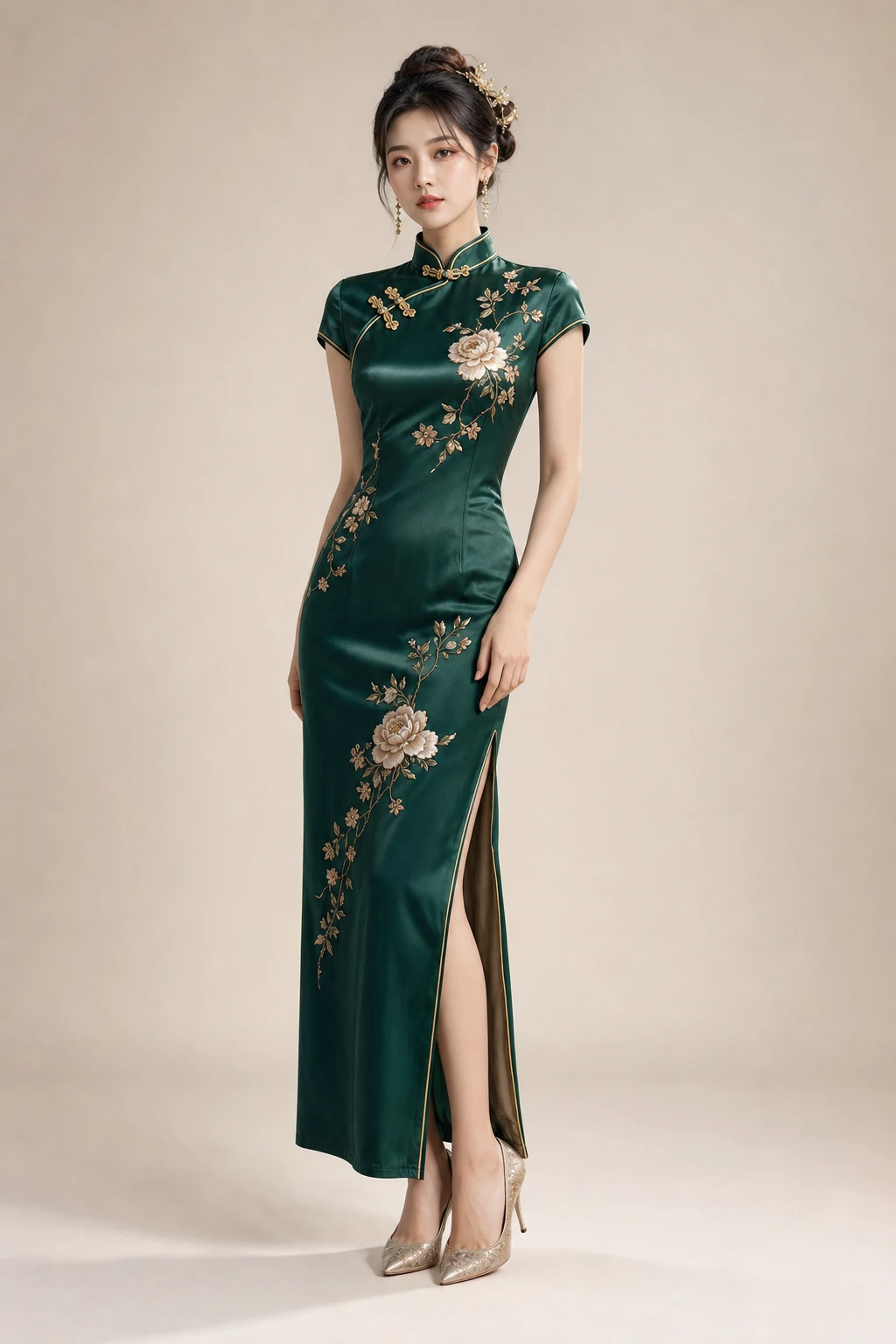
Elegant Qipao
Choose output
Photo is best for accuracy. Video is a quick moving outfit reel.
HD image · $0.99 for one image
Credits
Pay for generations
Seconds
Online generation speed
170+ looks
Across 19 style categories
No install
Runs in your browser
A grand AI wardrobe
See the most beautiful version of yourself
Browse 680+ outfits across 19 style categories — from Hanfu and bridal gowns to red-carpet, cosplay and street style. Tap one, add your photo, fall in love.


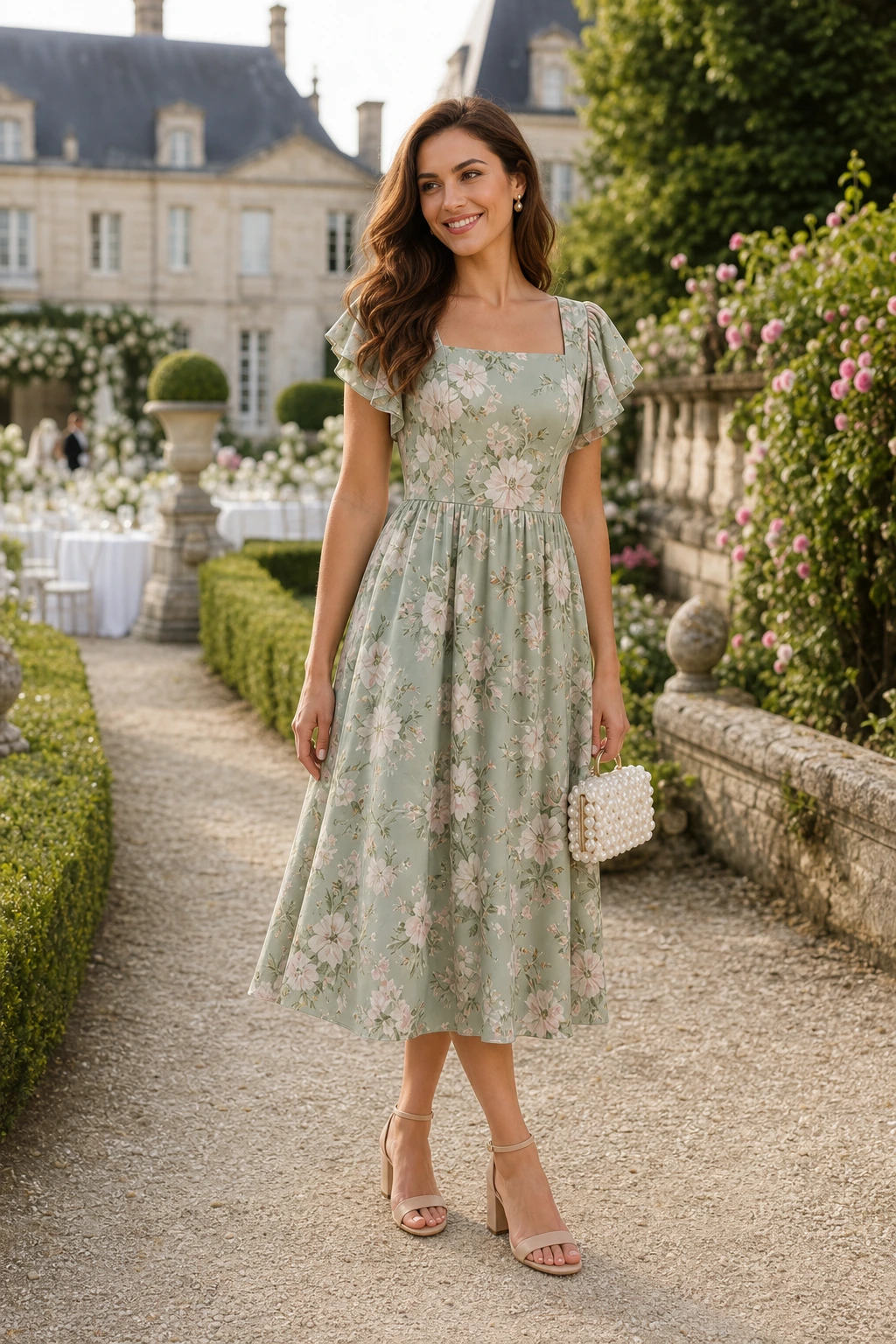
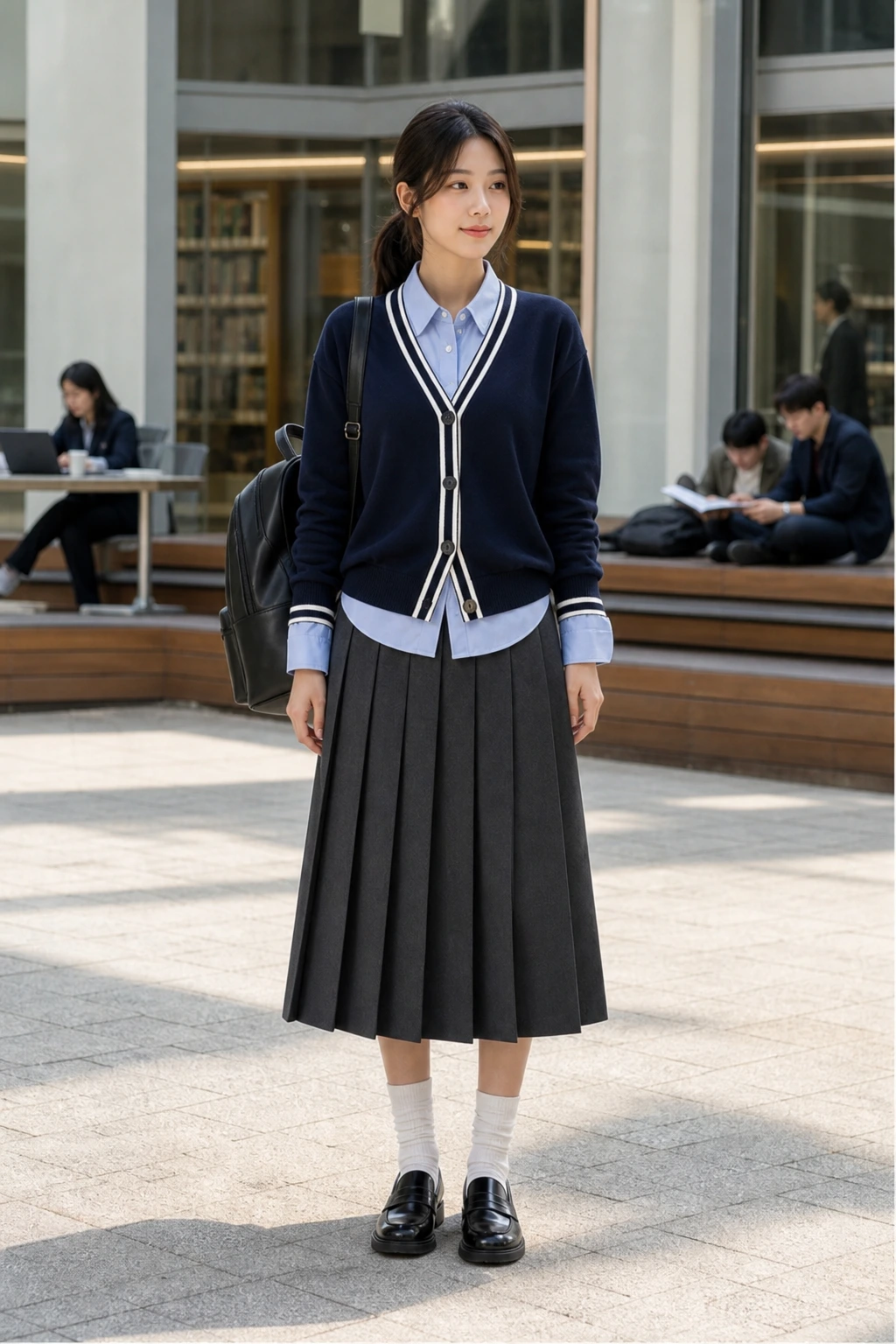
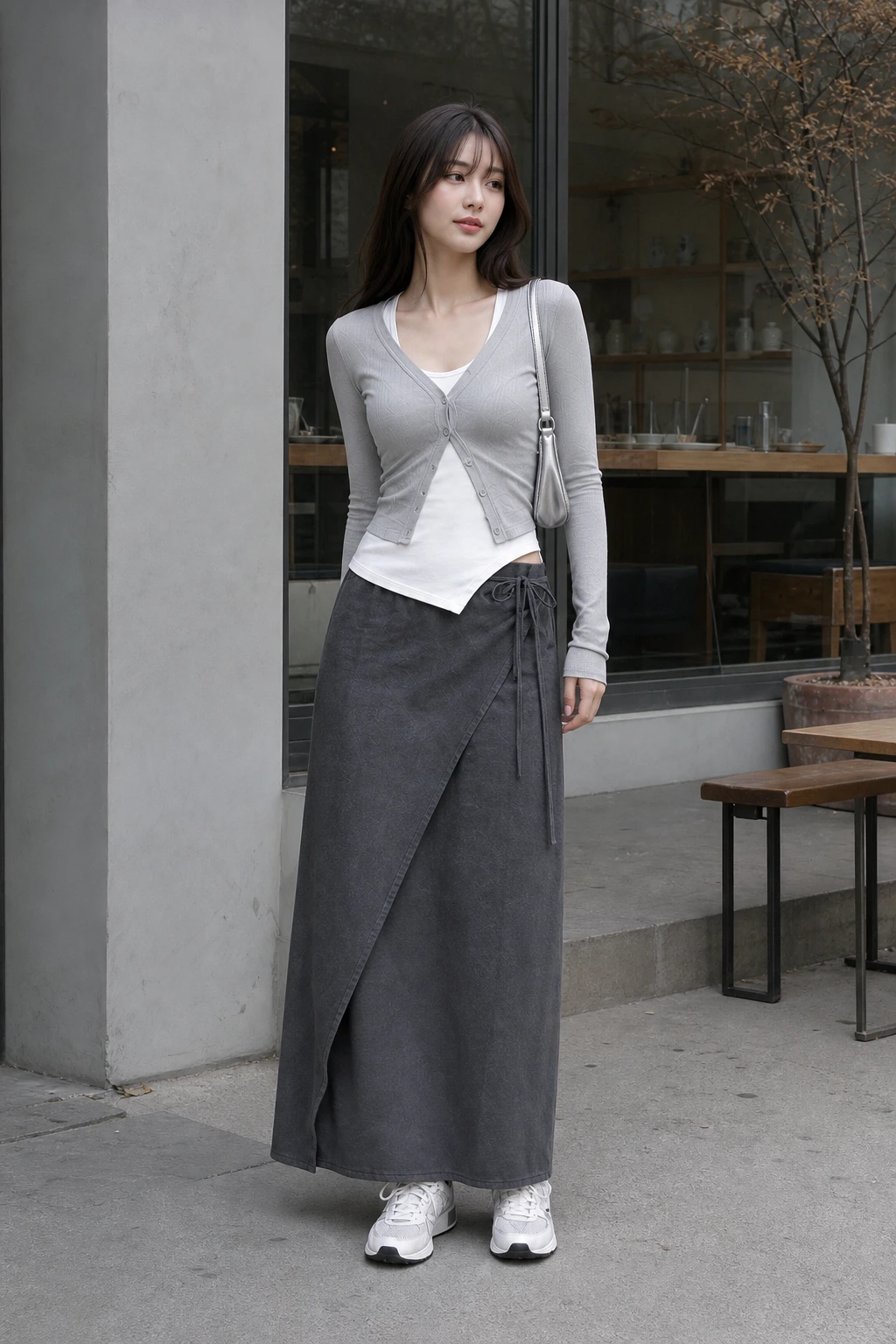
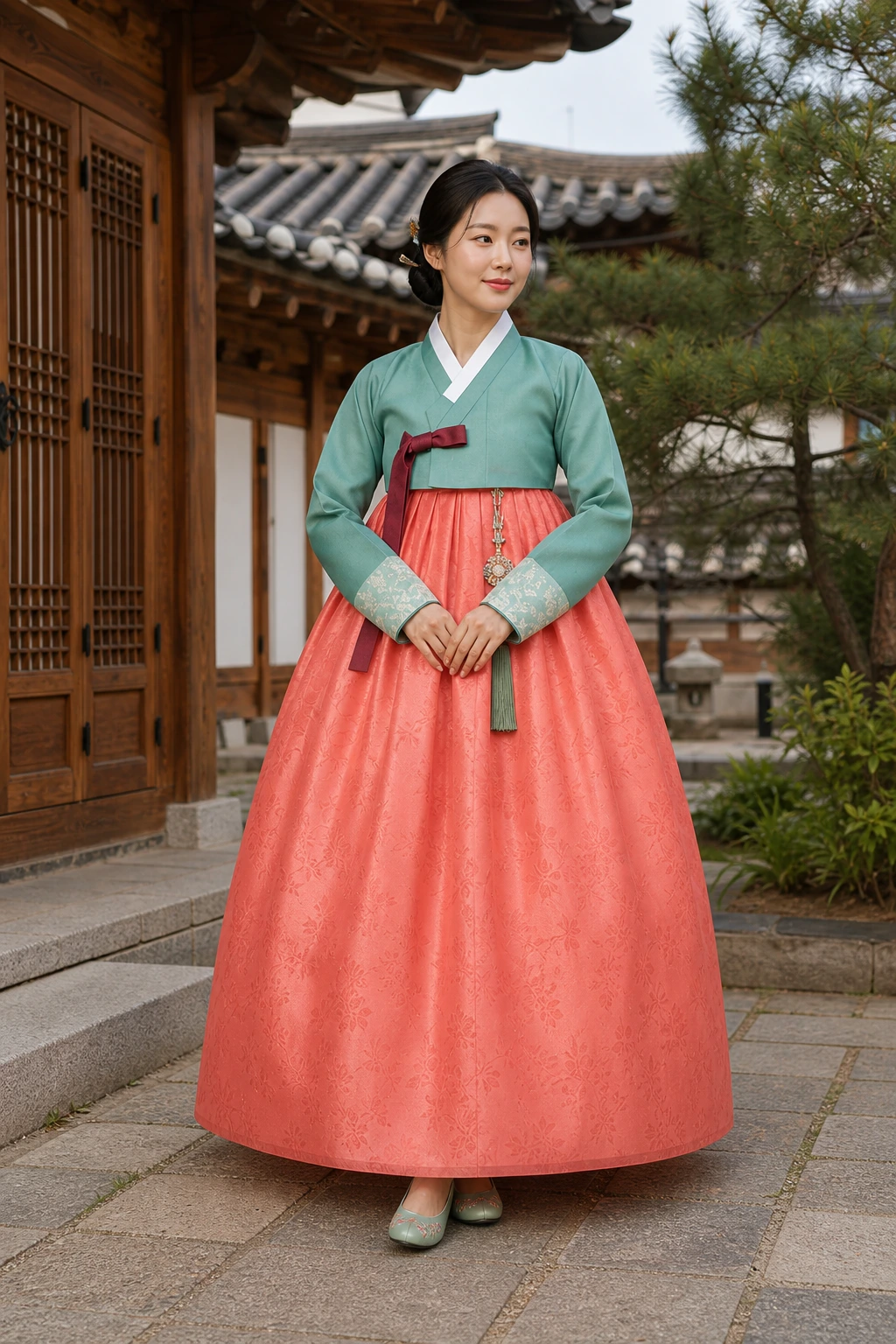
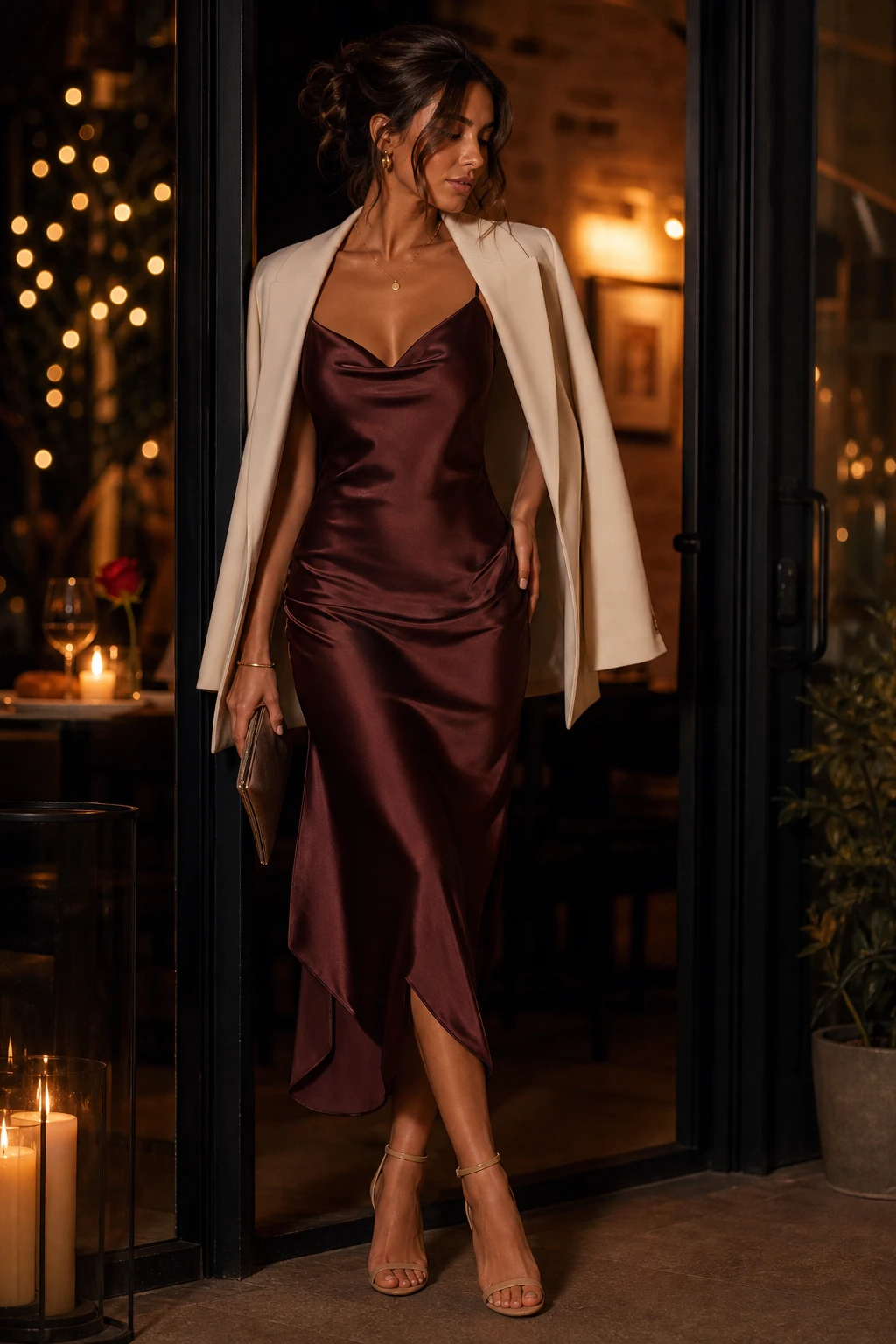
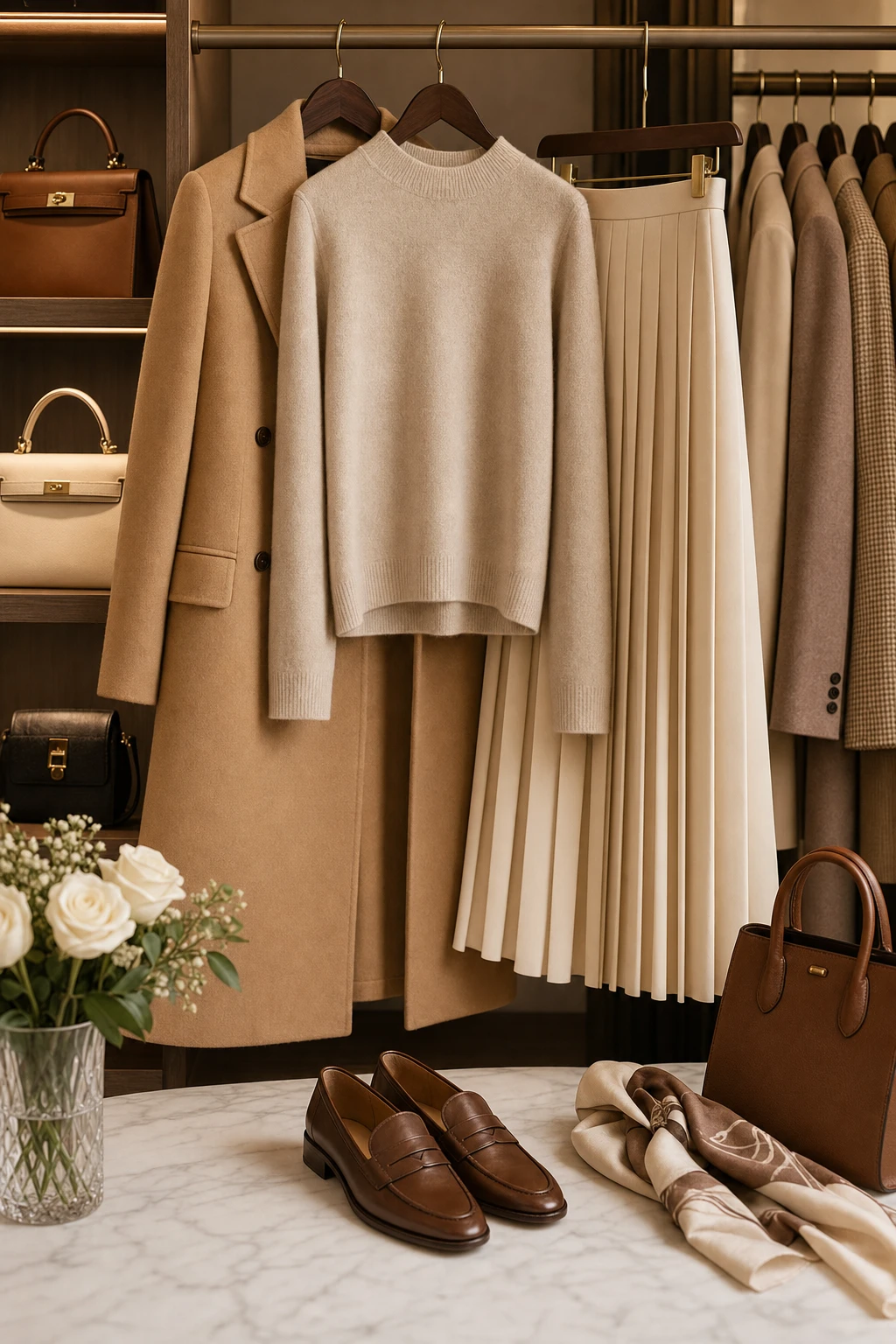
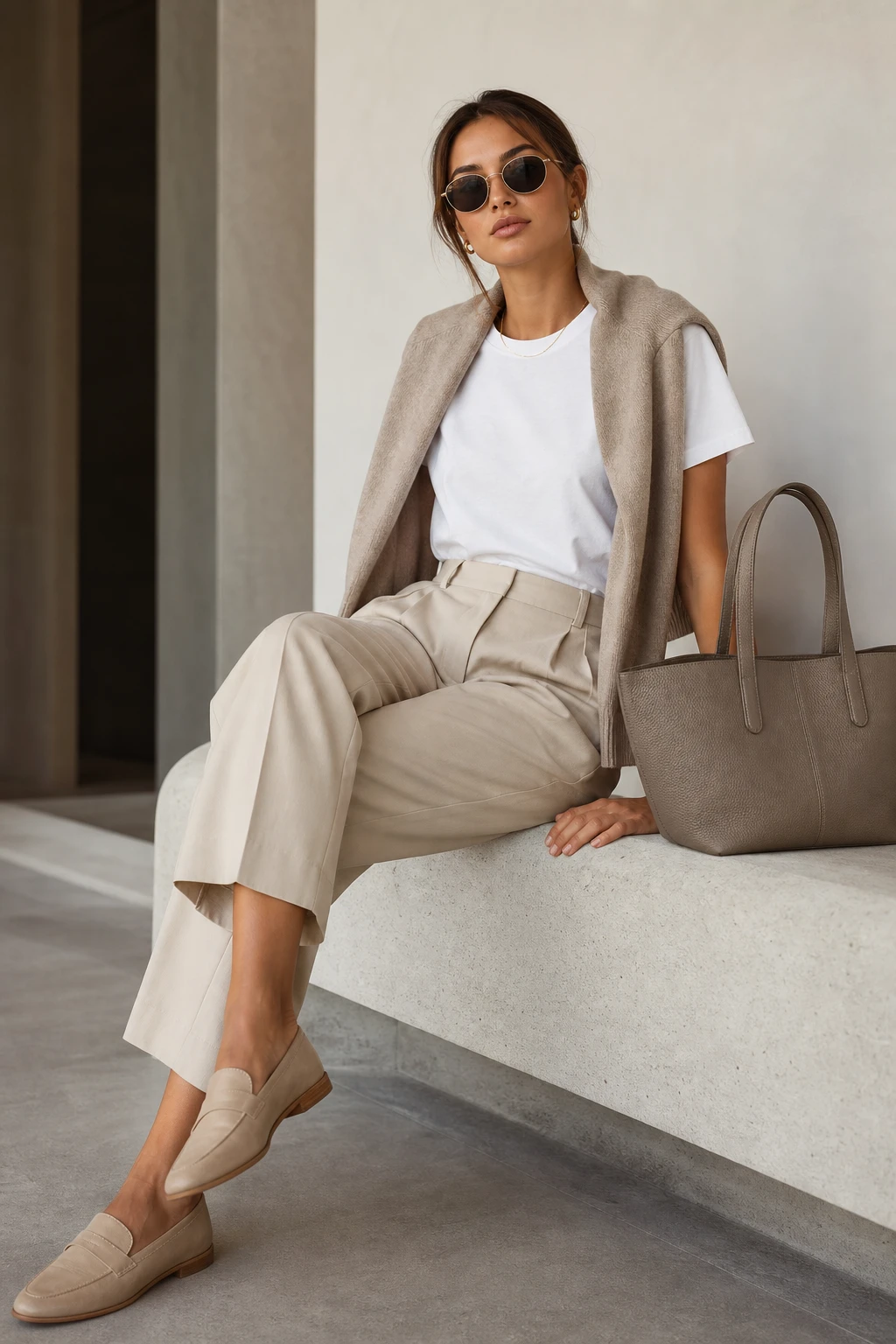
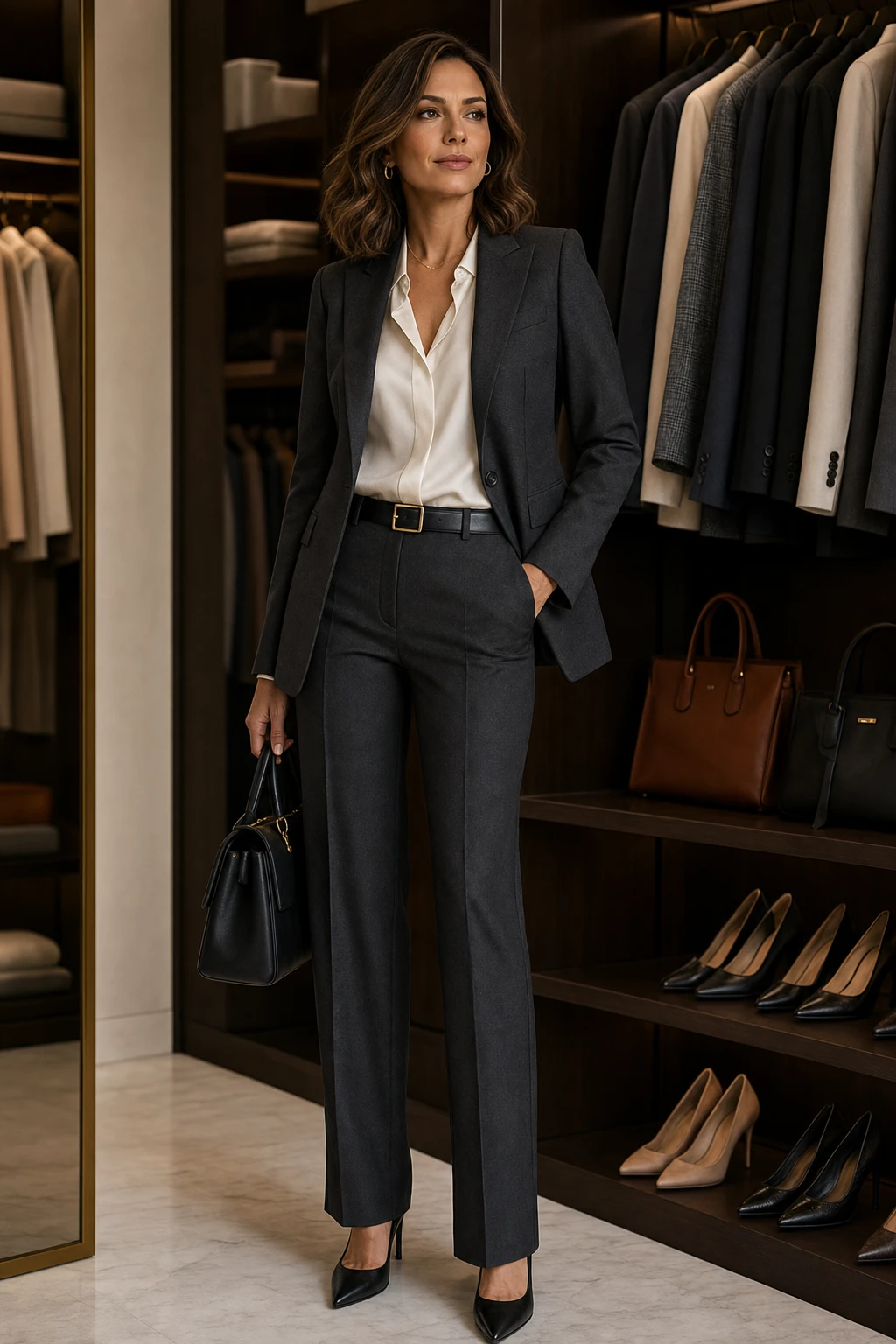
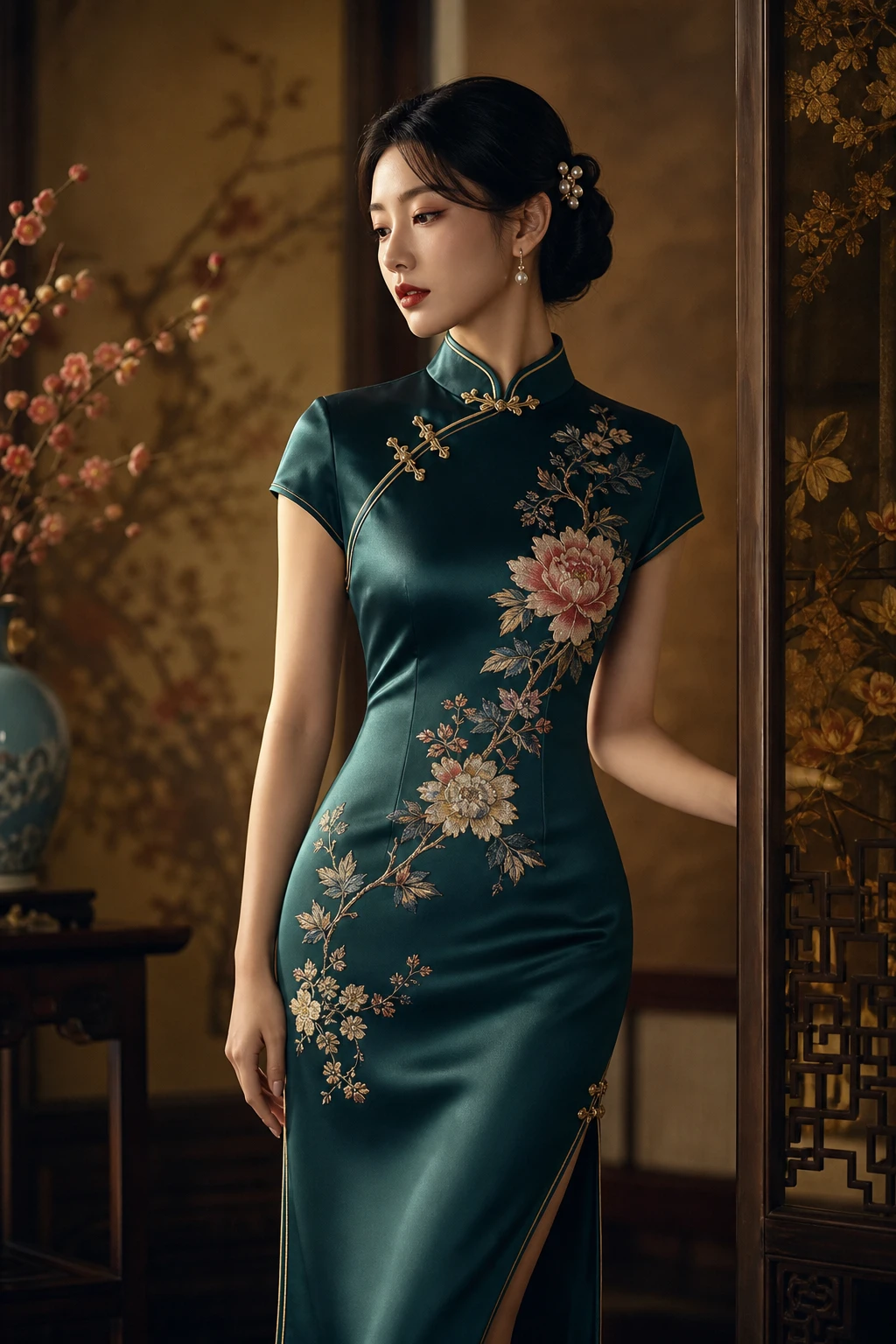
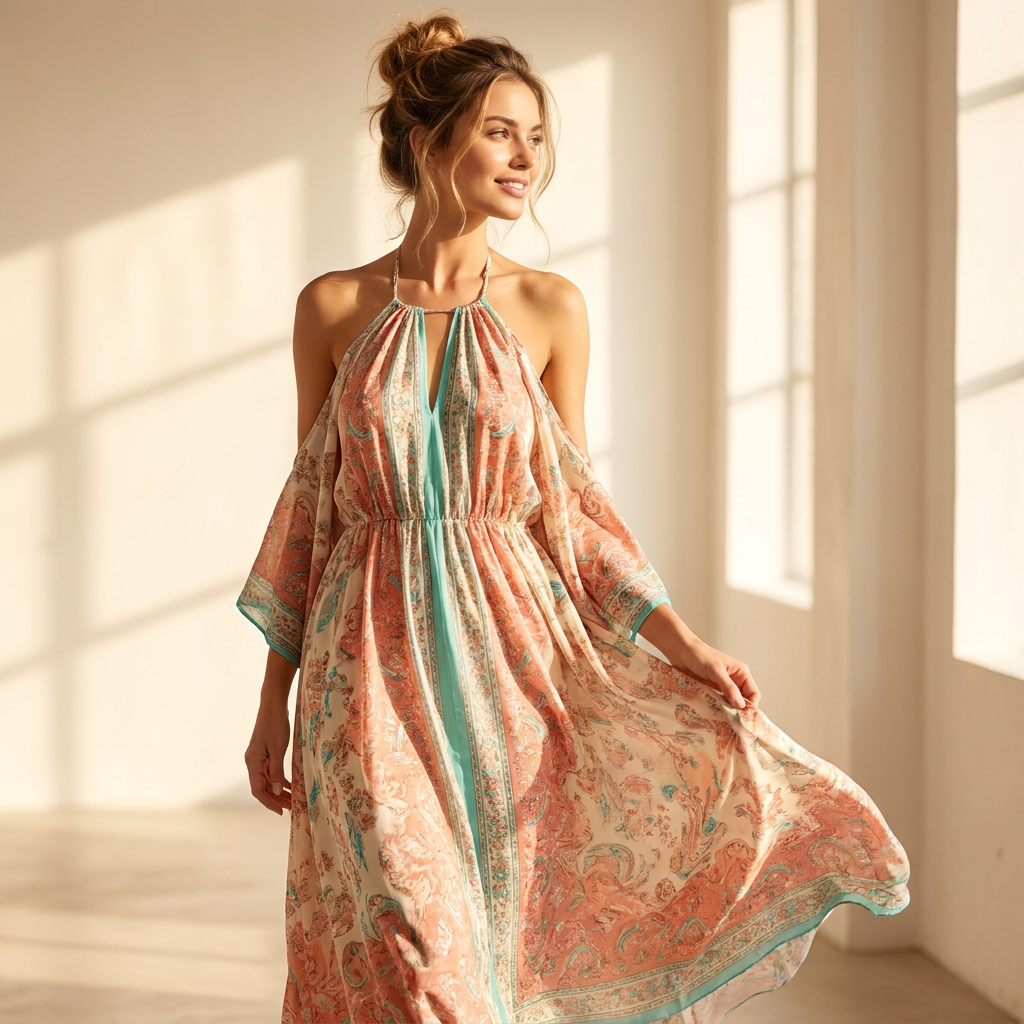
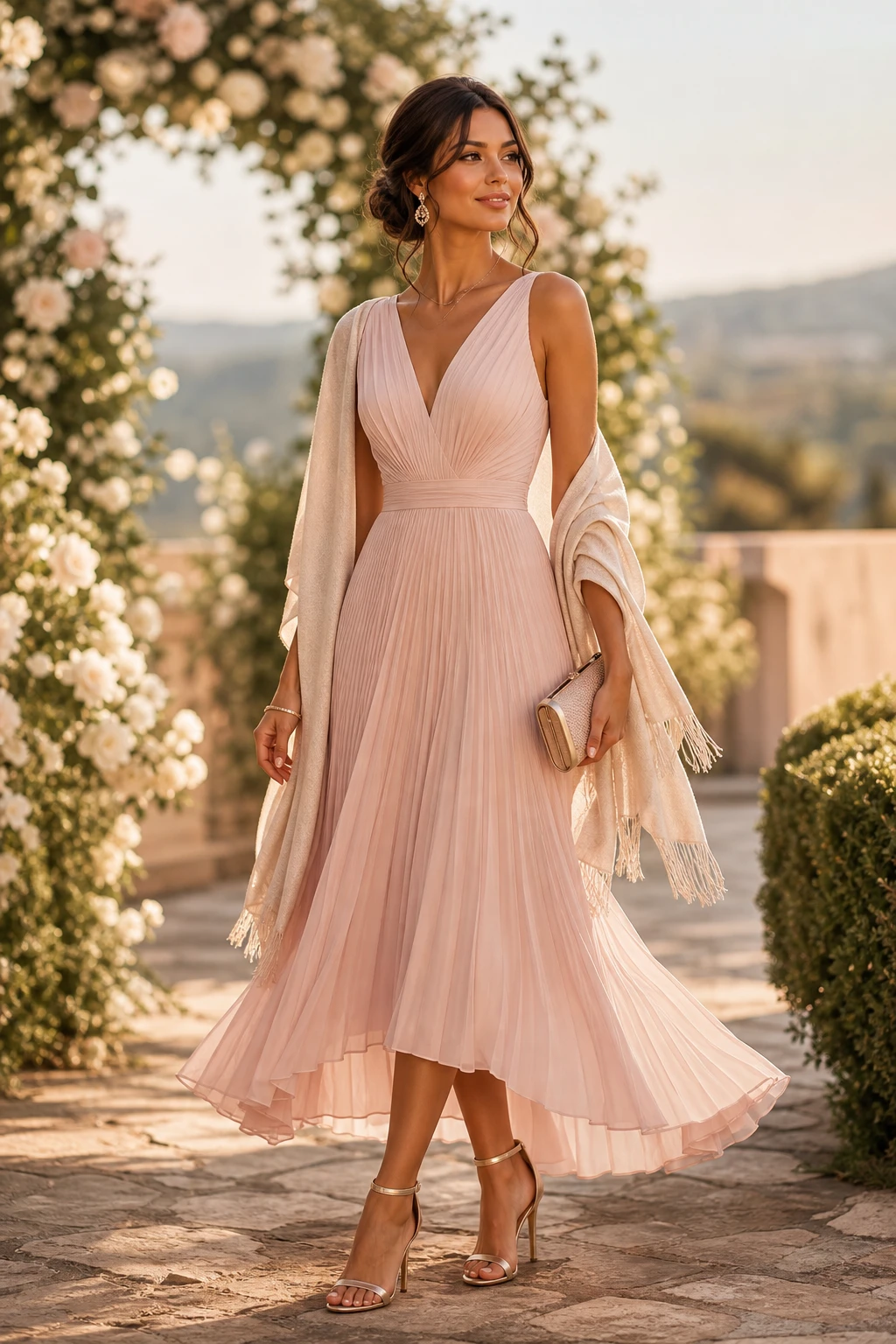
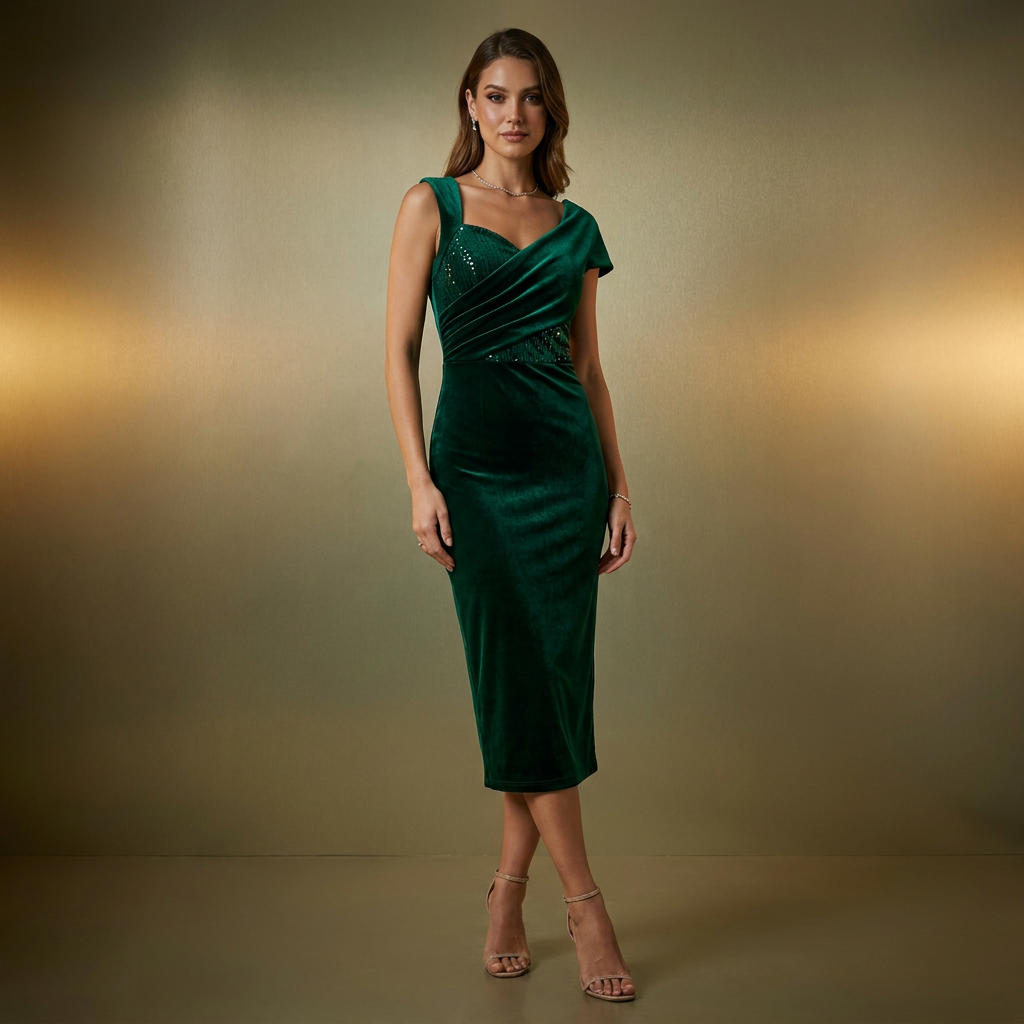
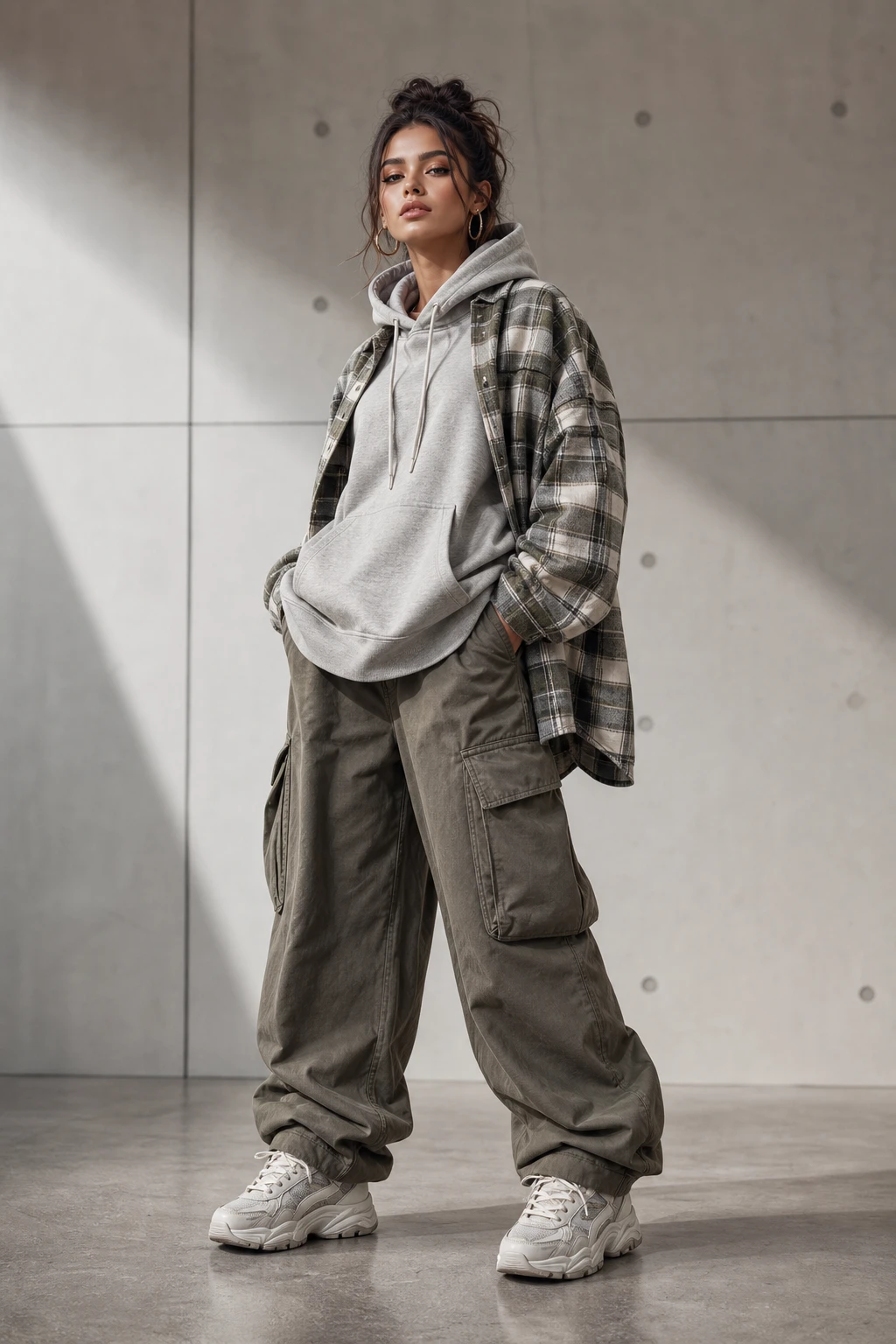
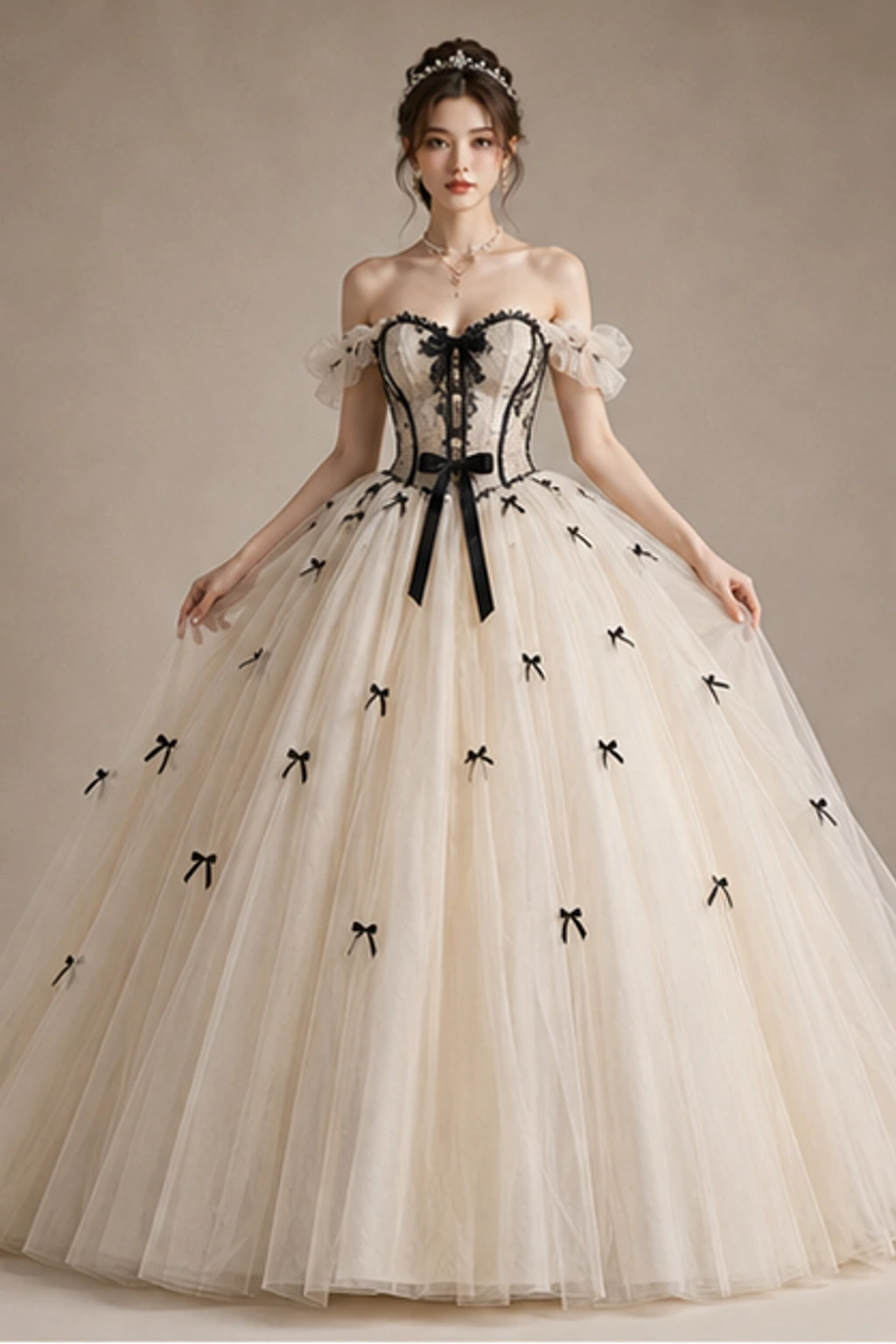
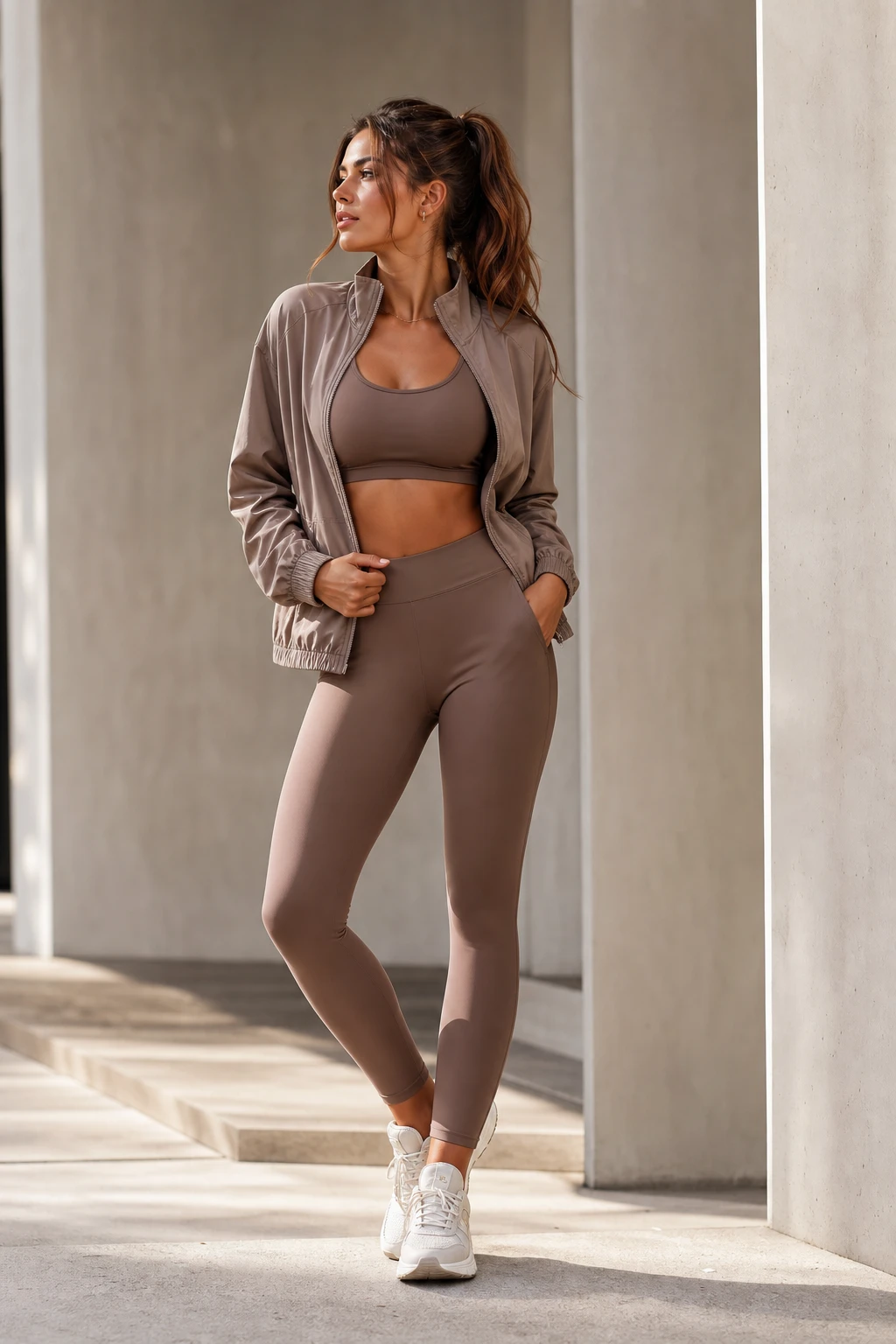
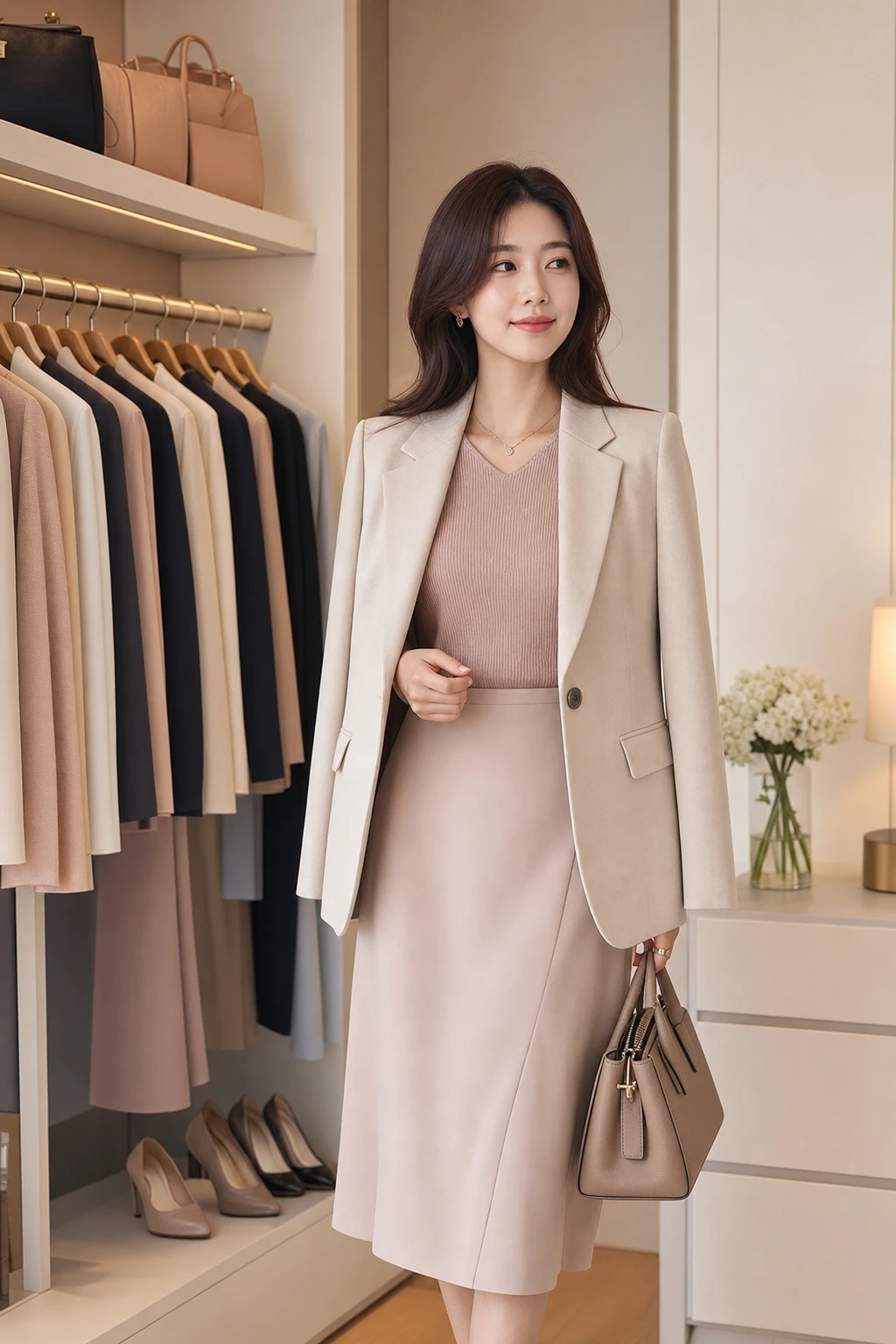
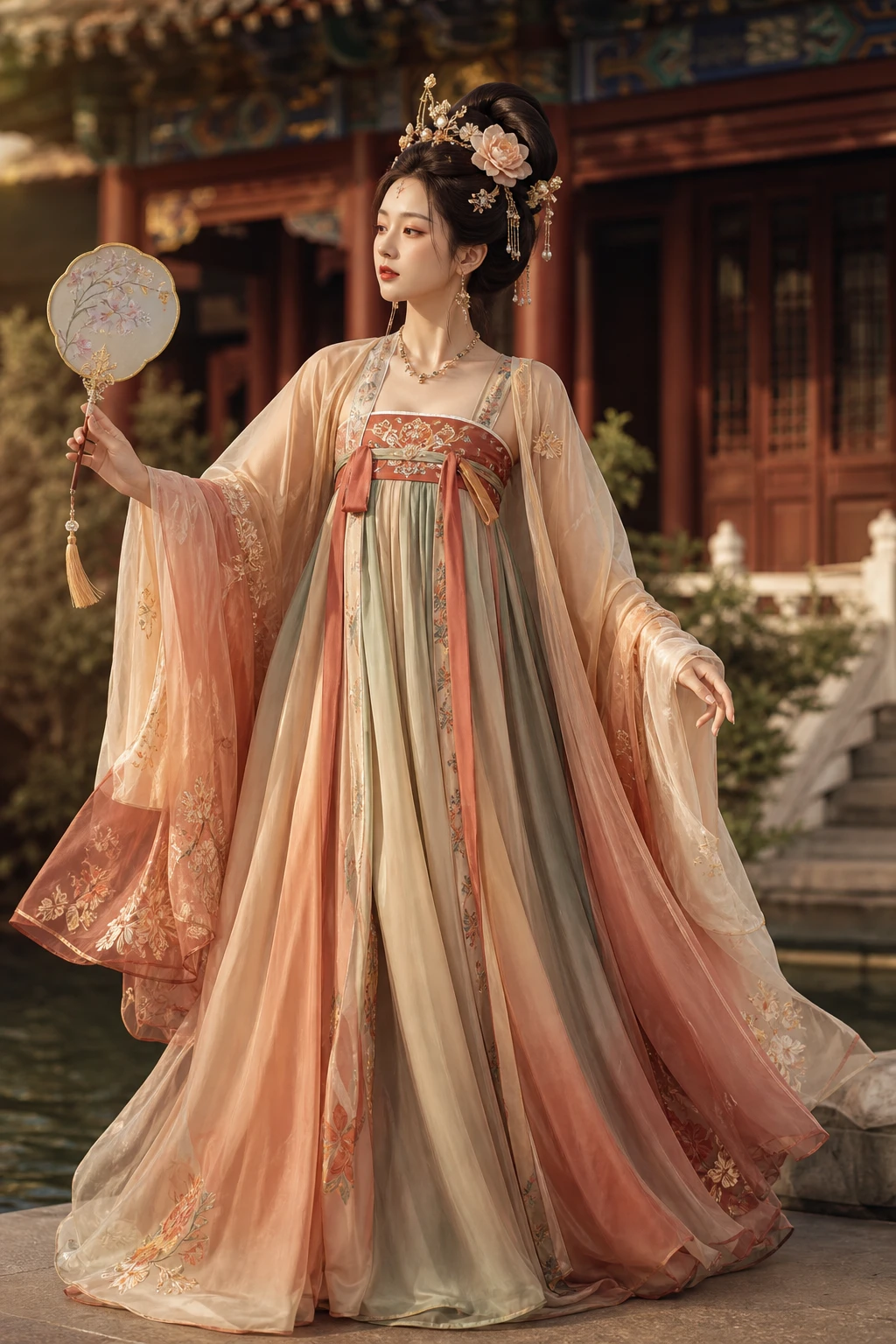
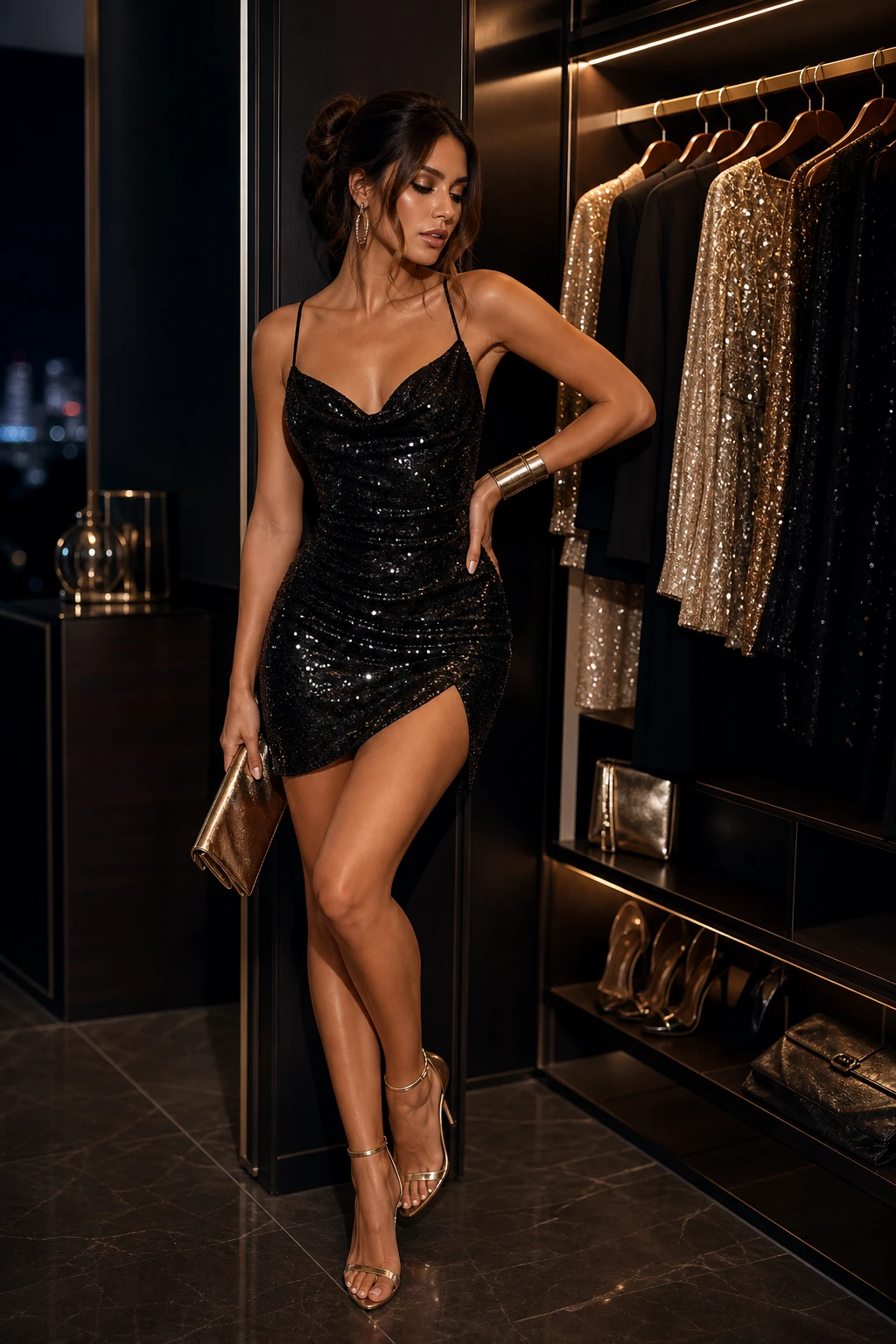
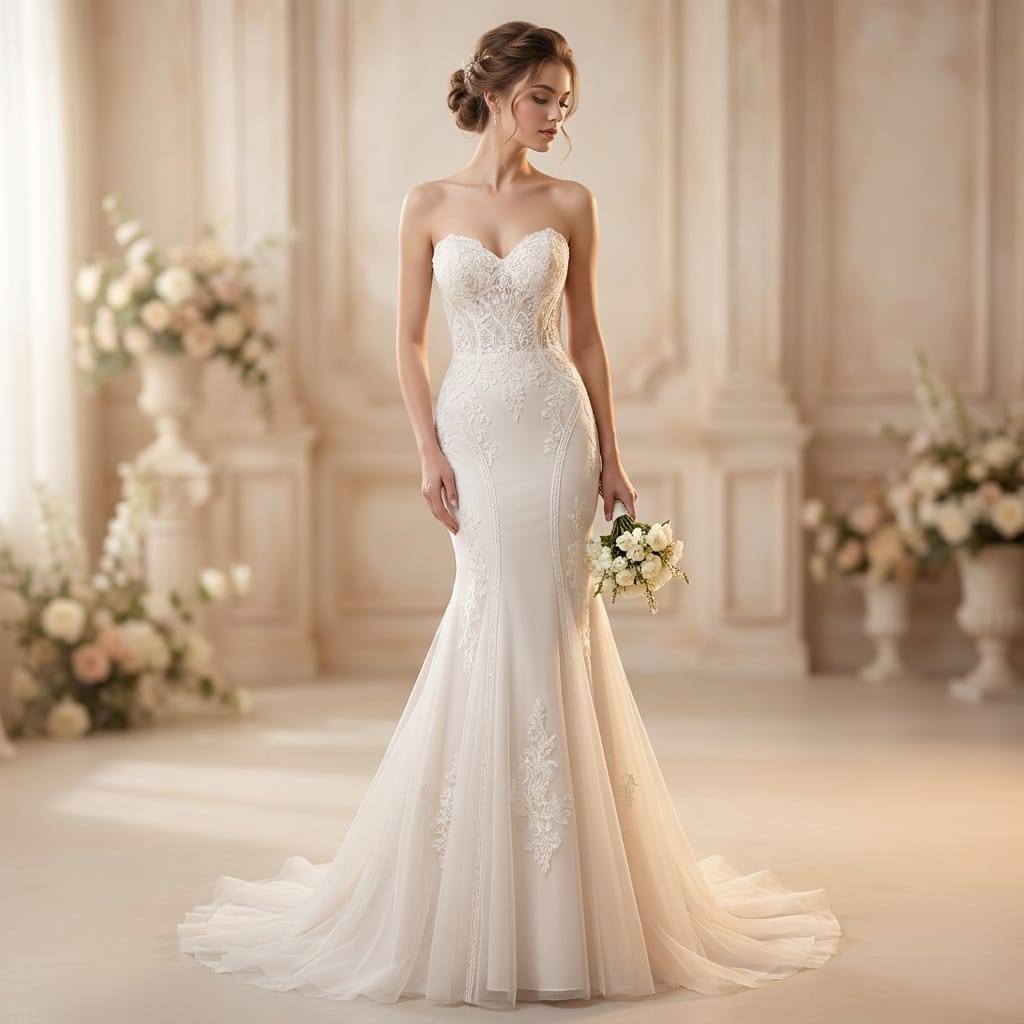
Trending try-on looks
Browse Dressora looks without opening a menu
Show clickable outfit images right on the homepage so users can enter Dressora through the AI closet, not just through category labels.
Chinese Guofeng
Elegant Qipao
A fitted silk cheongsam with mandarin collar, frog buttons, and refined embroidery.
Special Moments
Wedding Guest
An elegant guest look with a flowing midi dress and refined accessories.
Subculture
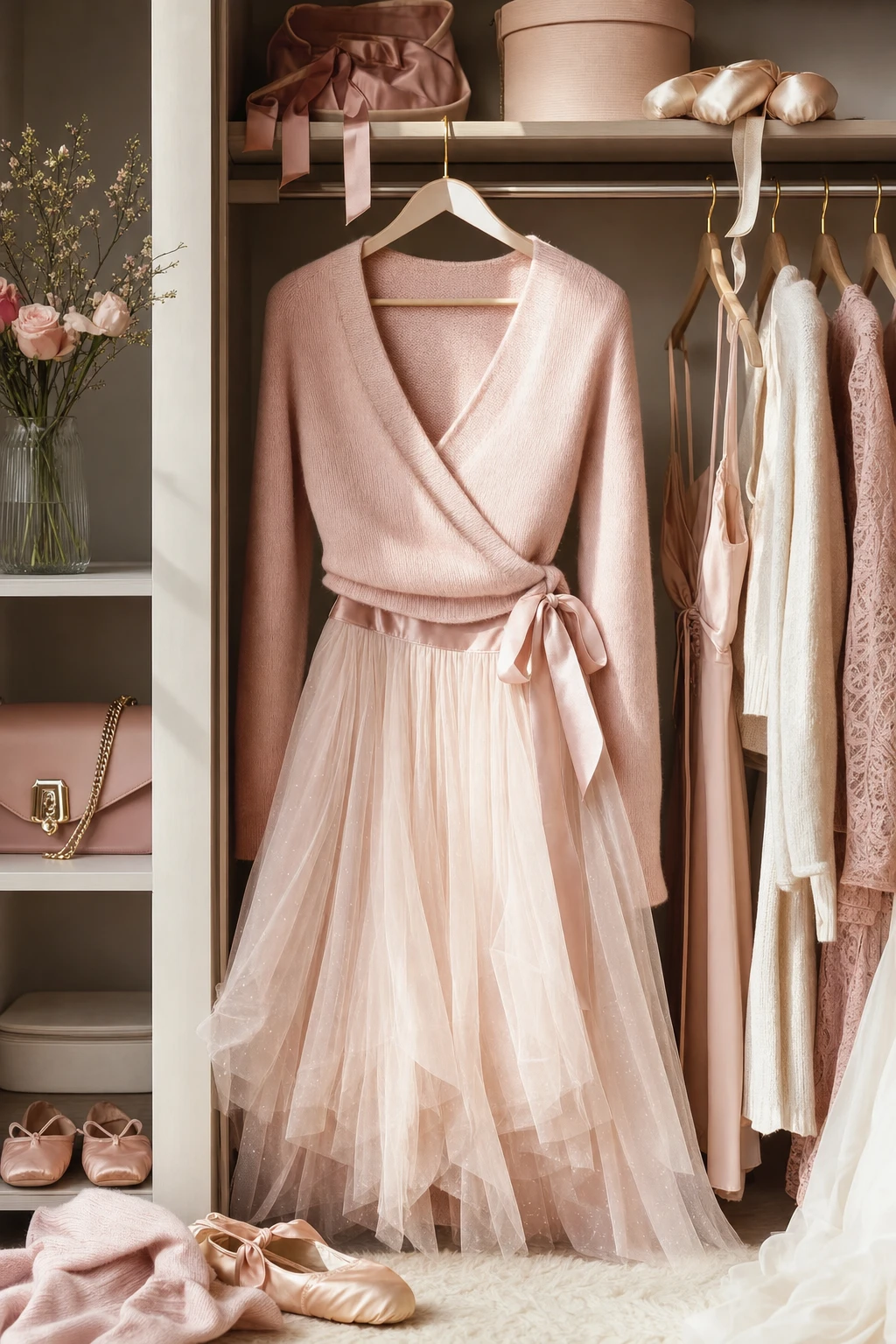
Balletcore
Soft romantic styling with wrap silhouettes, ribbons, and airy movement.
Character Looks
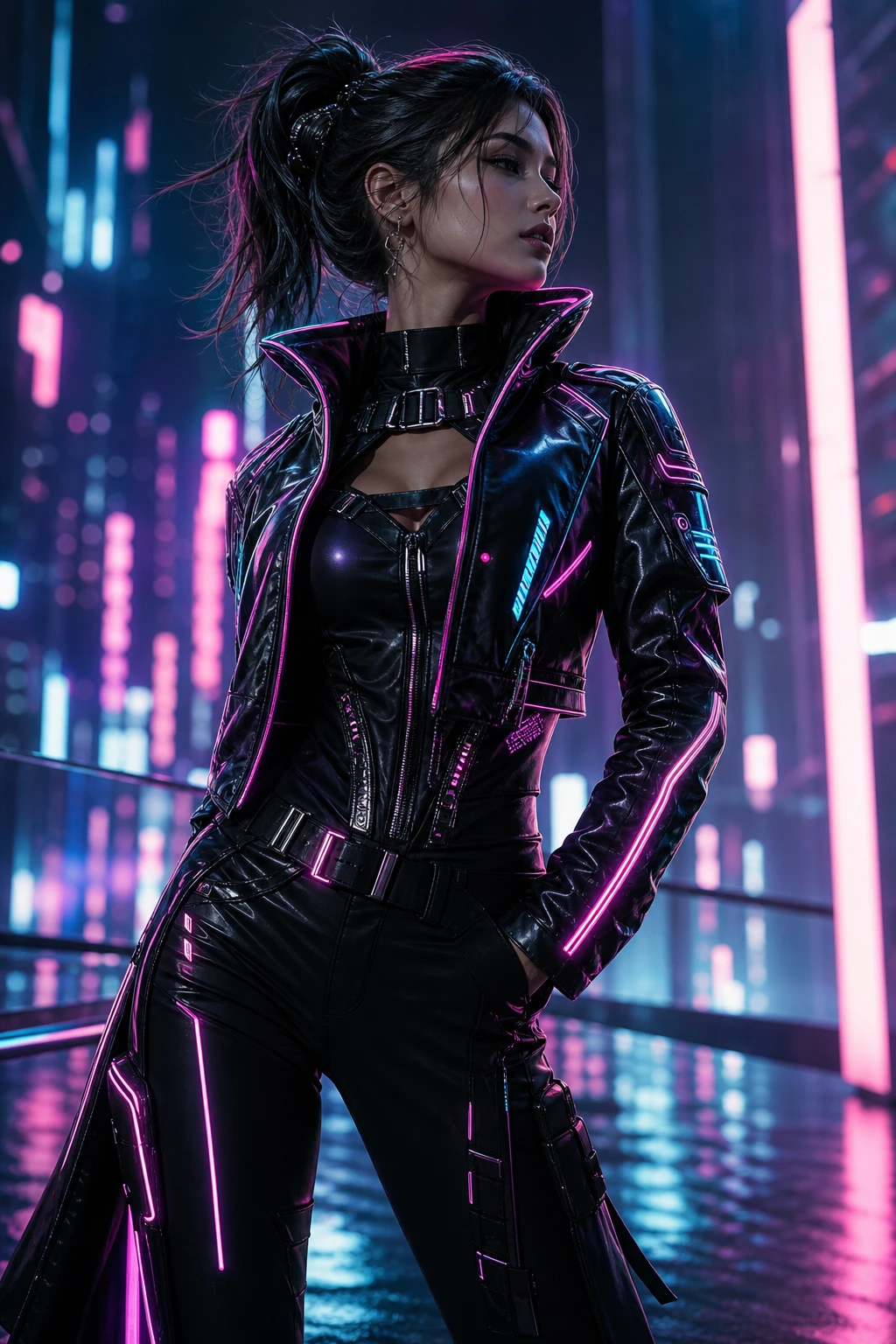
Cyberpunk
Neon-lit future styling with sleek tech layers and glowing accent detail.
AI clothes changer · before / after
Upload one photo, change into a brand-new outfit
The Dressora AI clothes changer keeps the face, hair and body of the person and only swaps the outfit, for a realistic online virtual try-on.
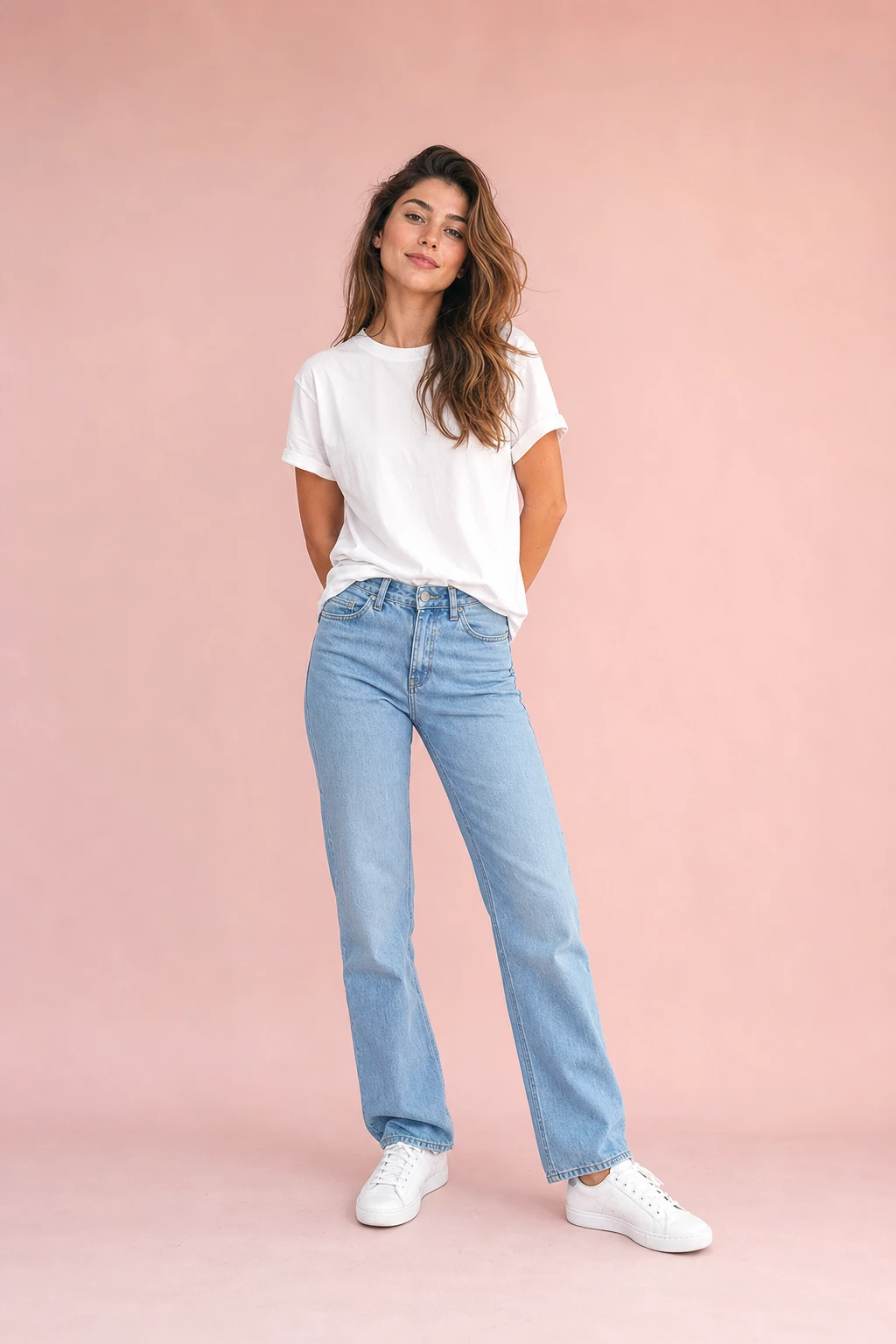 Before
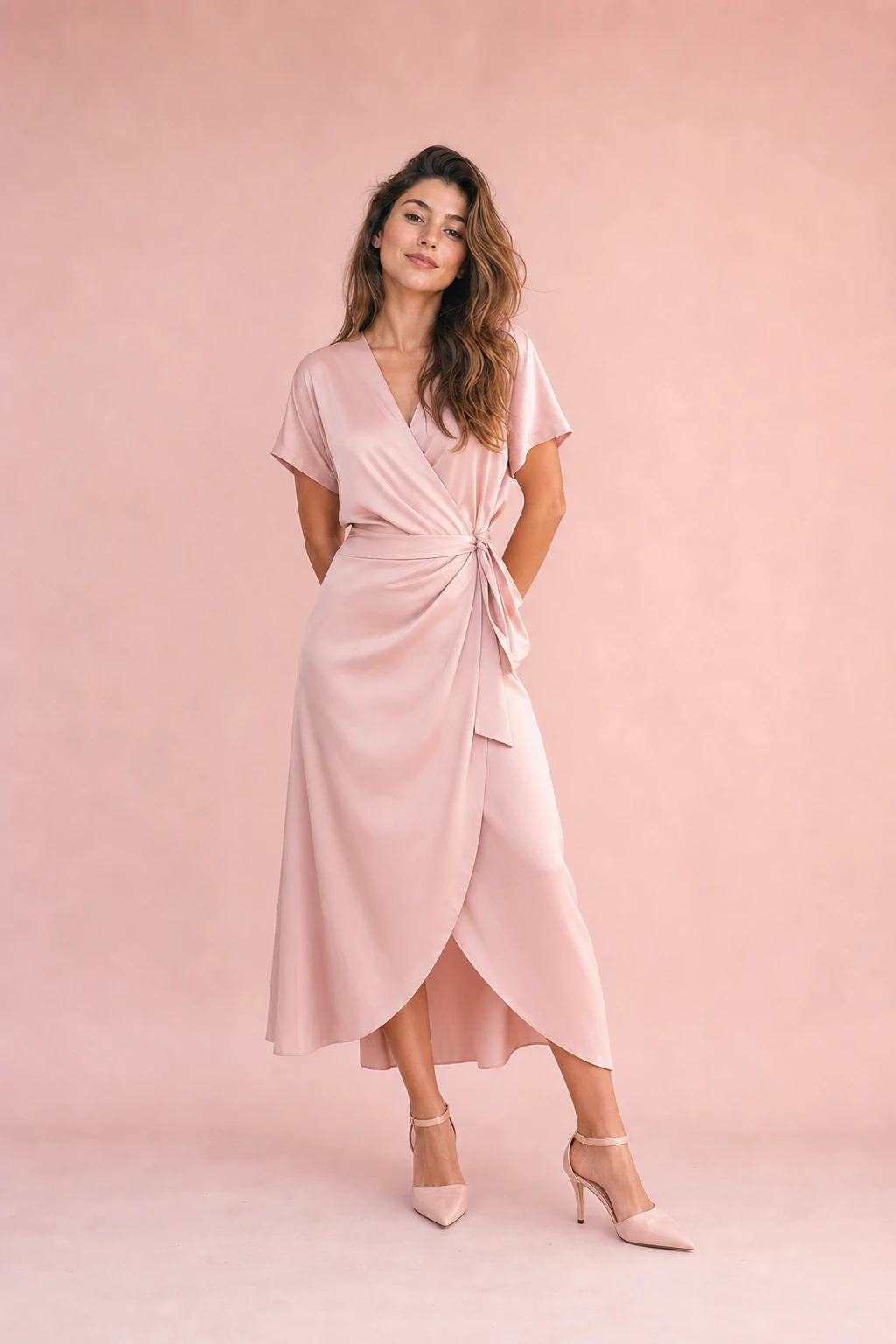 After
AfterWhy Dressora
An AI clothes changer that looks natural and real
The Dressora online AI clothes changer focuses on three things: keeping the person, rendering the garment realistically, and keeping try-on simple.
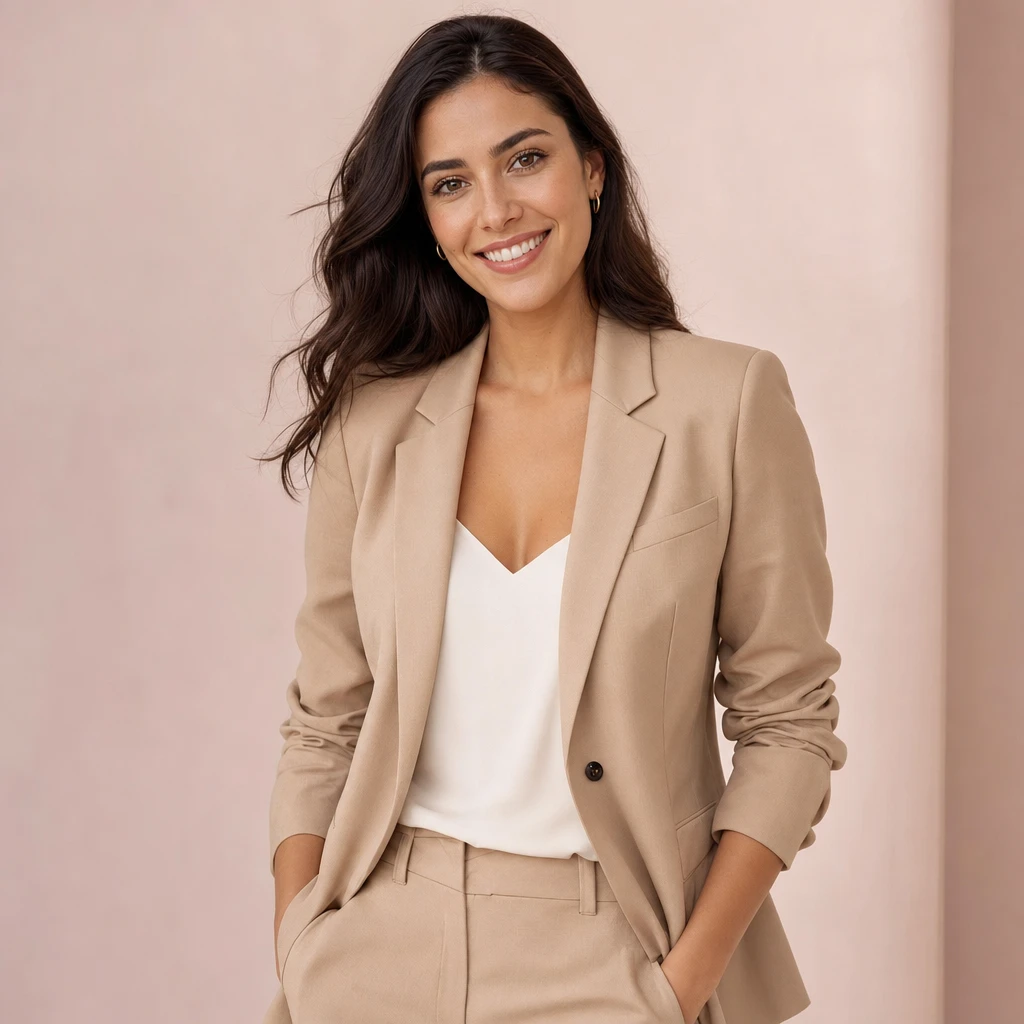
Change the outfit, not you
The AI clothes changer preserves the face, hair, skin tone and body of the person and only swaps the outfit — no warping, no face swap — for a believable virtual try-on.
- Locks onto facial features
- Keeps original pose and body
- Great for social and ecommerce
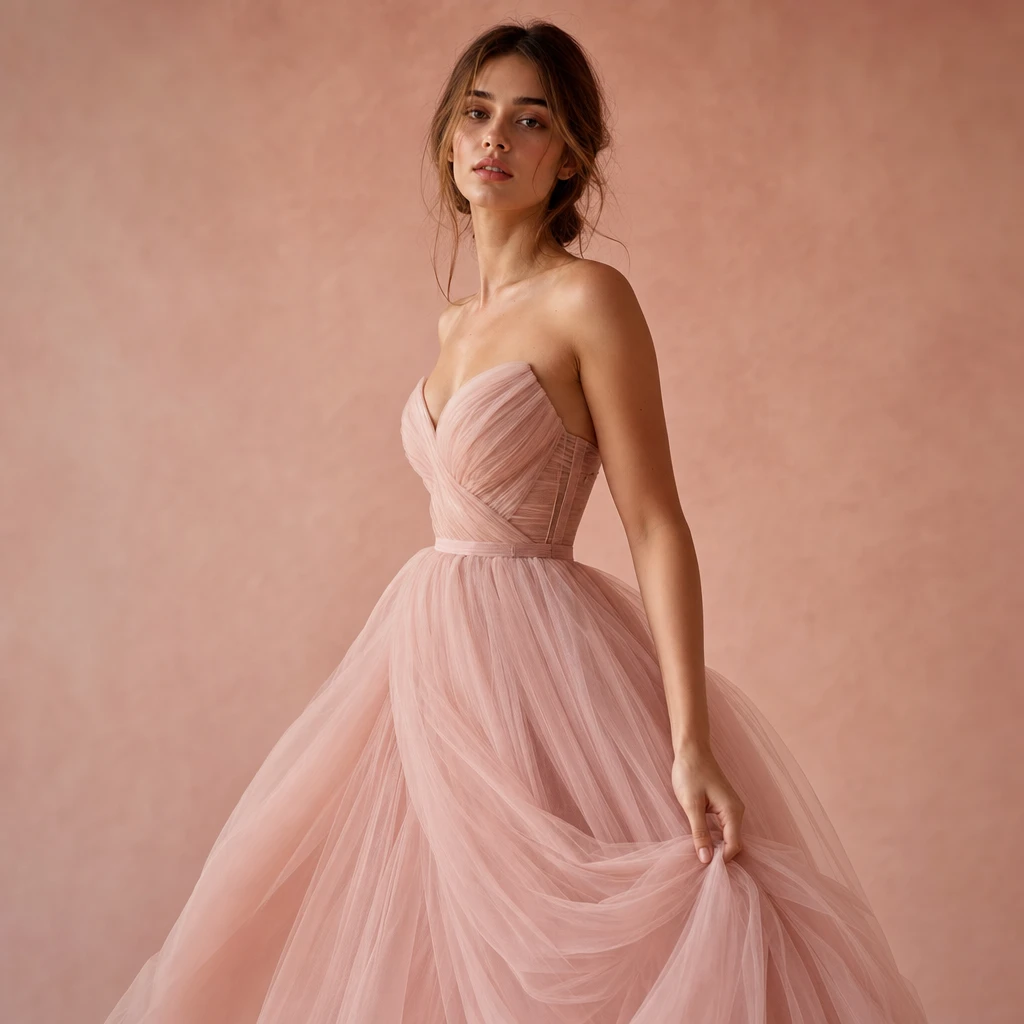
Fabric, fit and drape, rendered
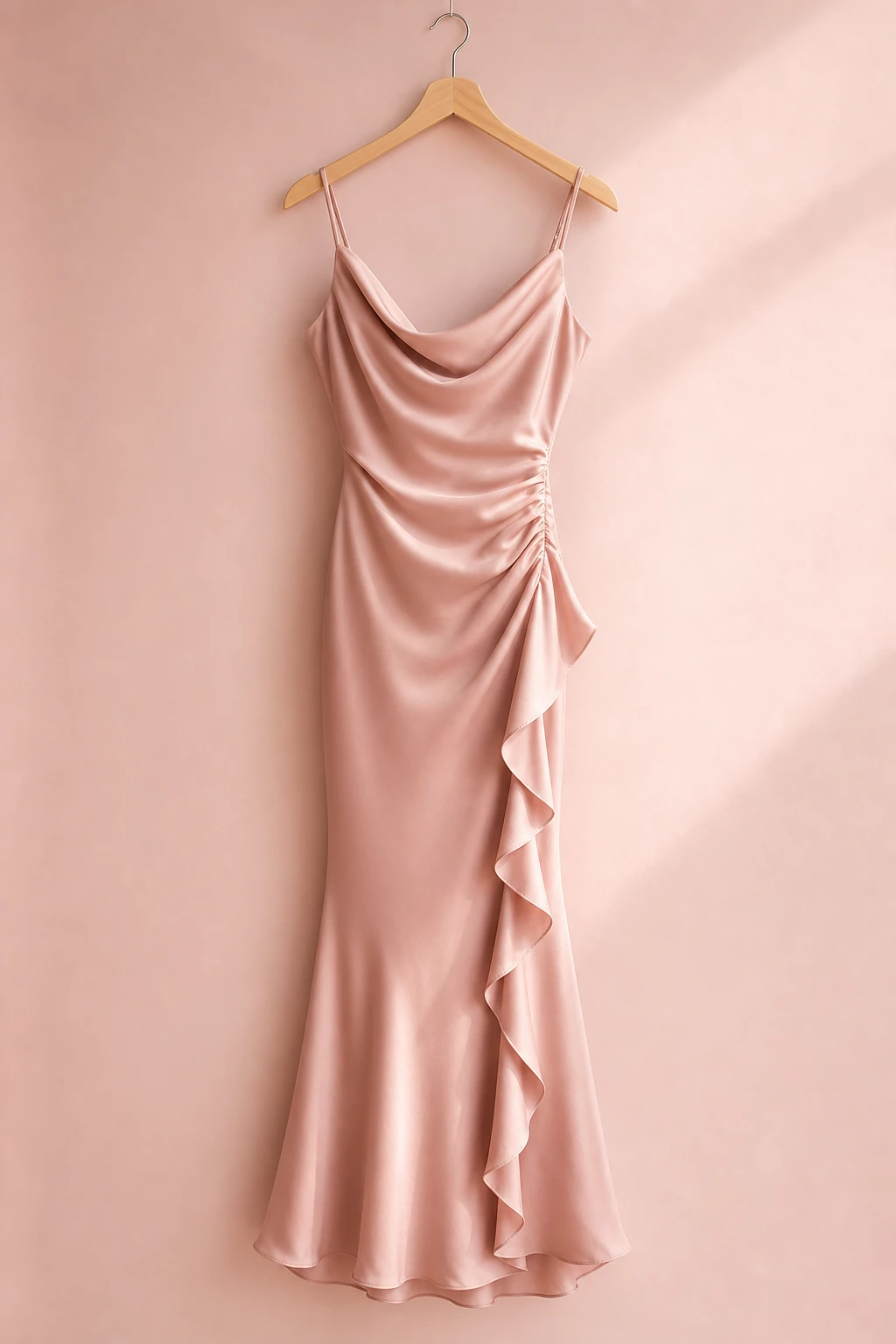
From dresses to blazers to tulle, the AI reproduces real fabric folds and how the garment sits on the body, so each try-on looks like a real shoot.
- Real fabric texture and folds
- Natural fit on the body
- Works across outfit styles
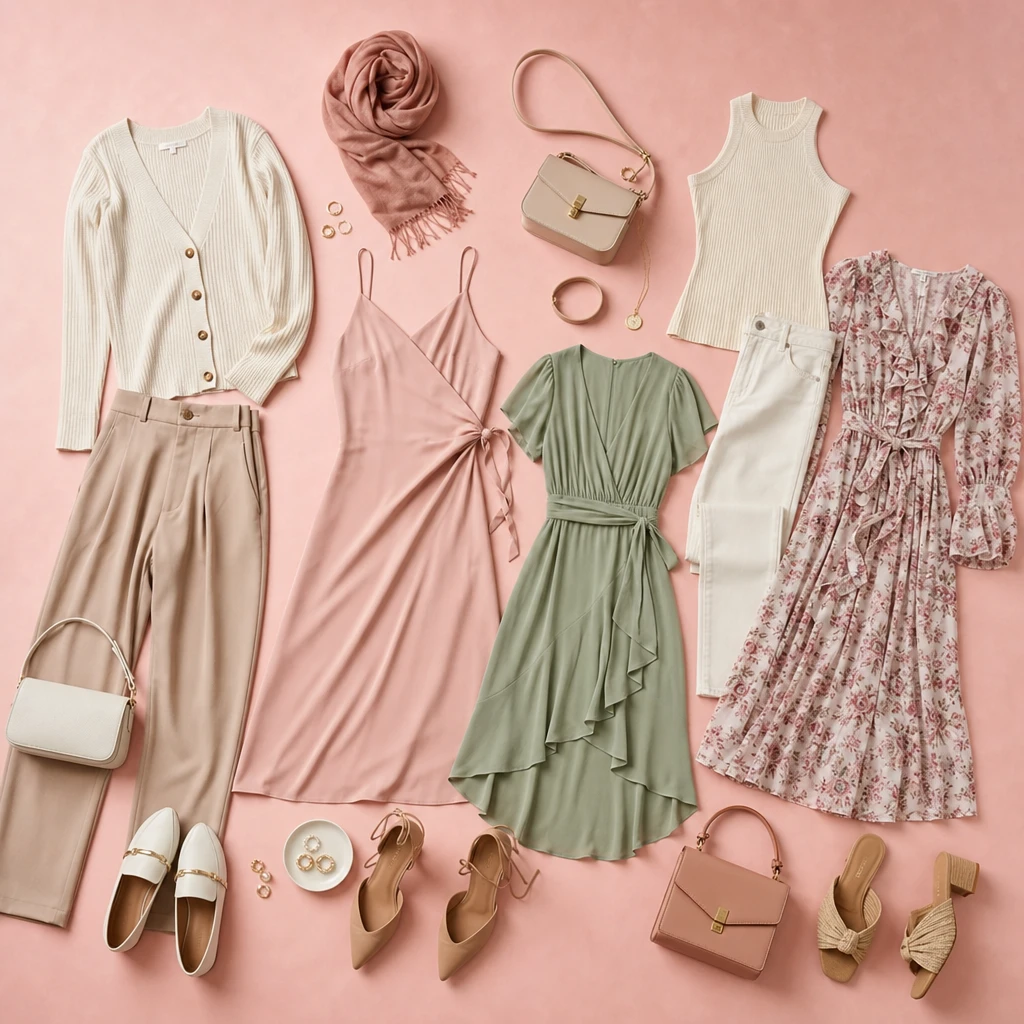
Built-in closet, or upload your own outfit
Tap a look from the built-in closet right on the homepage, or upload your own outfit image for a custom online try-on — with no software to install.
- One-tap built-in looks
- Upload custom outfits
- Runs in the browser
Three steps
Dressora online AI clothes changer in three simple steps
No install, nothing to learn — the Dressora AI clothes changer takes you from uploading your photo to getting the result in seconds.
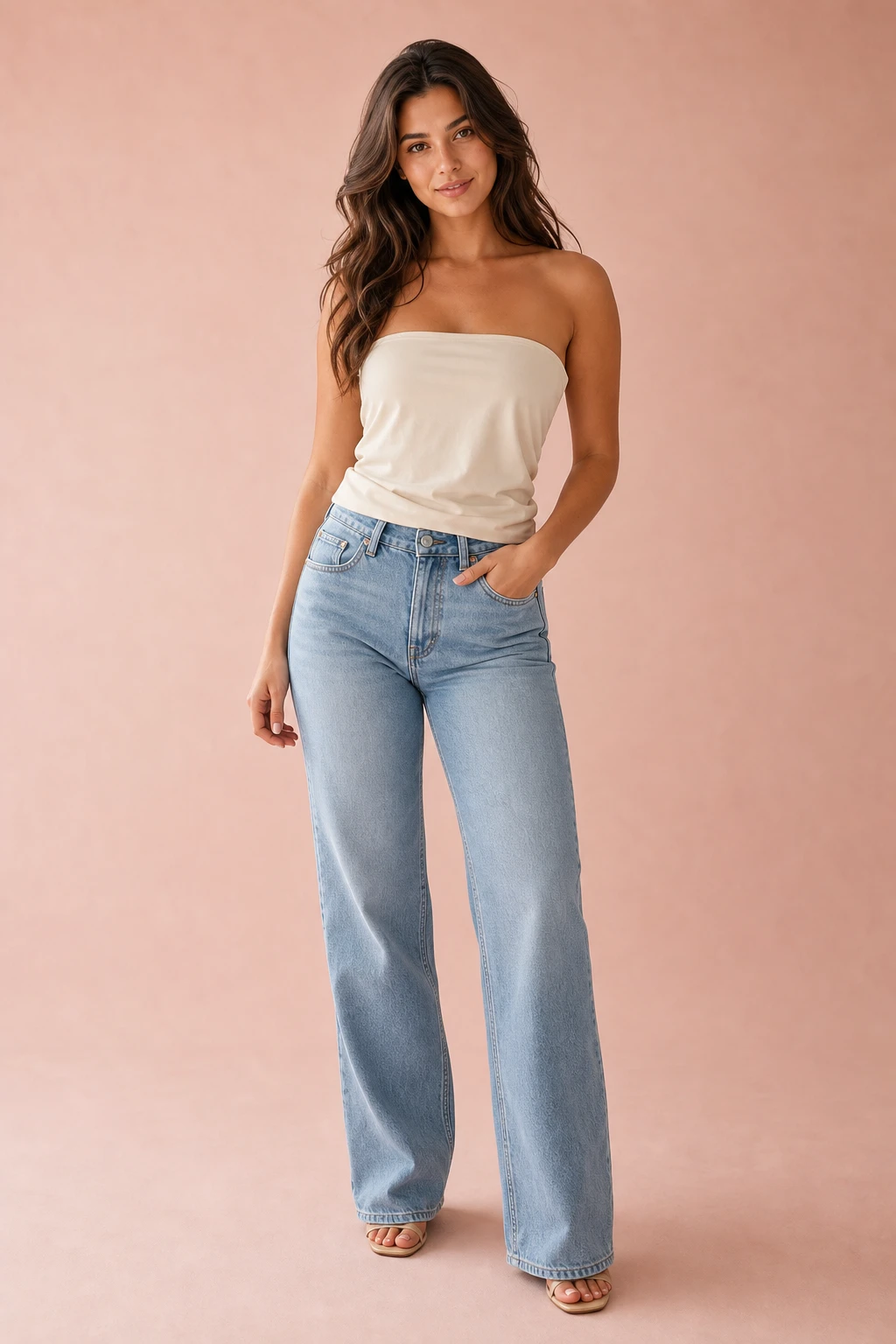 1
1Upload your photo
Add a clear portrait or full-body photo of the person to dress.
 2
2Pick an outfit
Choose a look from the built-in closet, or upload your own garment.
 3
3Get the try-on result
The AI clothes changer renders a realistic result in seconds — zoom in and download.
Multi-Level Structure
Use dedicated landing pages for every high-intent workflow
This keeps the strong reference-site pattern: homepage first, then route users into specific tools and scenarios that can rank and convert independently.
AI Clothes Changer
The broadest page for users who want to replace outfits from one photo and understand the full product promise.
Best for homepage traffic and top-level paid campaigns
Explains the whole product before narrower workflows
Virtual Try-On
A narrower page focused on fit preview, garment presentation, and fashion shopping workflows.
Good for ecommerce, catalog, and merchant intent
Stronger framing for product and listing use cases
Outfit Changer
A restyling page for creators, campaigns, and multiple wardrobe directions from one image.
Good for creator content, lookbooks, and concept exploration
Turns a single portrait into multiple style routes
Pricing
Simple, transparent pricing
Buy the images you need
Try one outfit for $0.99, or save with a 10- or 30-image pack. Pay once, with no automatic renewal.
Choose your HD images
One successful HD image per use. Downloads included. Valid for 1 year. No subscription.
Failed generations restore your image allowance. A successful remake uses another image.
Your existing credits and subscription remain available. Image packs are for HD images only.
My images, orders & subscriptionWhat users say
People love trying on outfits with Dressora
“For my shop's new arrivals I use Dressora AI clothes changer to put different outfits on the same model online. It cut my shooting costs a lot and the results come fast.”
“It just runs in the browser, no install. I tap a look from the built-in closet and try it on instantly.”
AI clothes changer guide
Dressora AI clothes changer for online outfit try-on
Dressora brings AI clothes changing, virtual try-on, closet browsing, and custom outfit uploads into one flow. Browse looks first, then buy credits to generate a realistic try-on result.
For people searching AI clothes changer, virtual try on, outfit changer, or AI closet, Dressora keeps the workflow simple: pick the clothes, upload the person, generate the result.
AI clothes changer
Browse Dressora outfit looks in your browser. Purchased credits are required to generate images; no installation needed.
Open AI Clothes Changer->Online AI clothes changer
Change outfits online from your browser, preserve the person, and compare styles before buying, posting, or planning a look.
Explore Virtual Try-On->Dressora AI closet
Browse built-in outfits by scene, then use the same saved photo to try more looks without uploading again.
View AI Closet->Follow Dressora
Keep up with Dressora beyond the AI clothes changer homepage
Follow Dressora on YouTube and Medium for AI clothes changer tutorials, virtual try-on examples, product updates, and new outfit ideas you can try in the closet.
Ready For More Looks?
Upgrade Dressora when your AI clothes changer workflow grows
Choose a credit pack or paid plan for AI try-on images, outfit videos, and more creative volume.
Catalog Ready
Use Dressora for consistent garment previews, product pages, and quick catalog experiments.
Campaign Ready
Turn one saved portrait into multiple AI clothes changer looks for campaigns and social content.
Common questions about the AI clothes changer
Pricing, privacy and results — the essentials are here.
Still have questions? Reach us at[email protected]
Explore more AI clothes changer & try-on tools
Start from the homepage, or open the pages below for more specific Dressora AI clothes changer, virtual try-on and style-exploration flows.